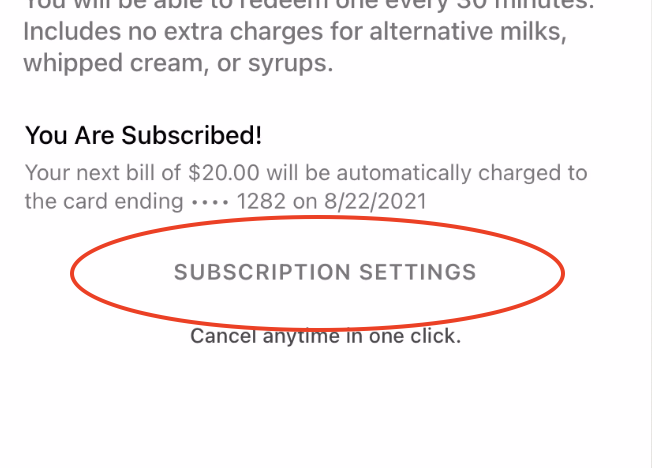
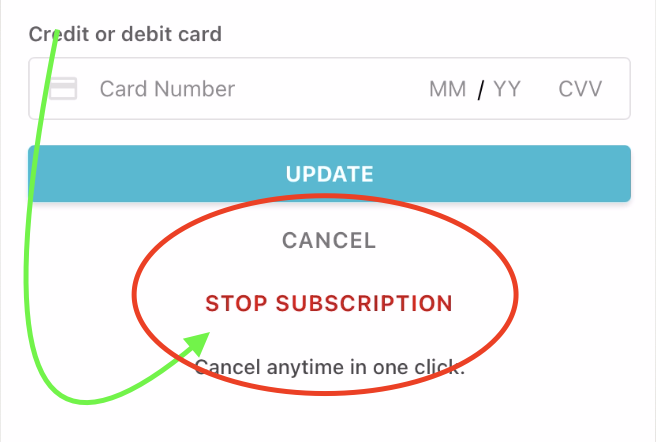
How to cancel your subscription
(if you need help, contact us)
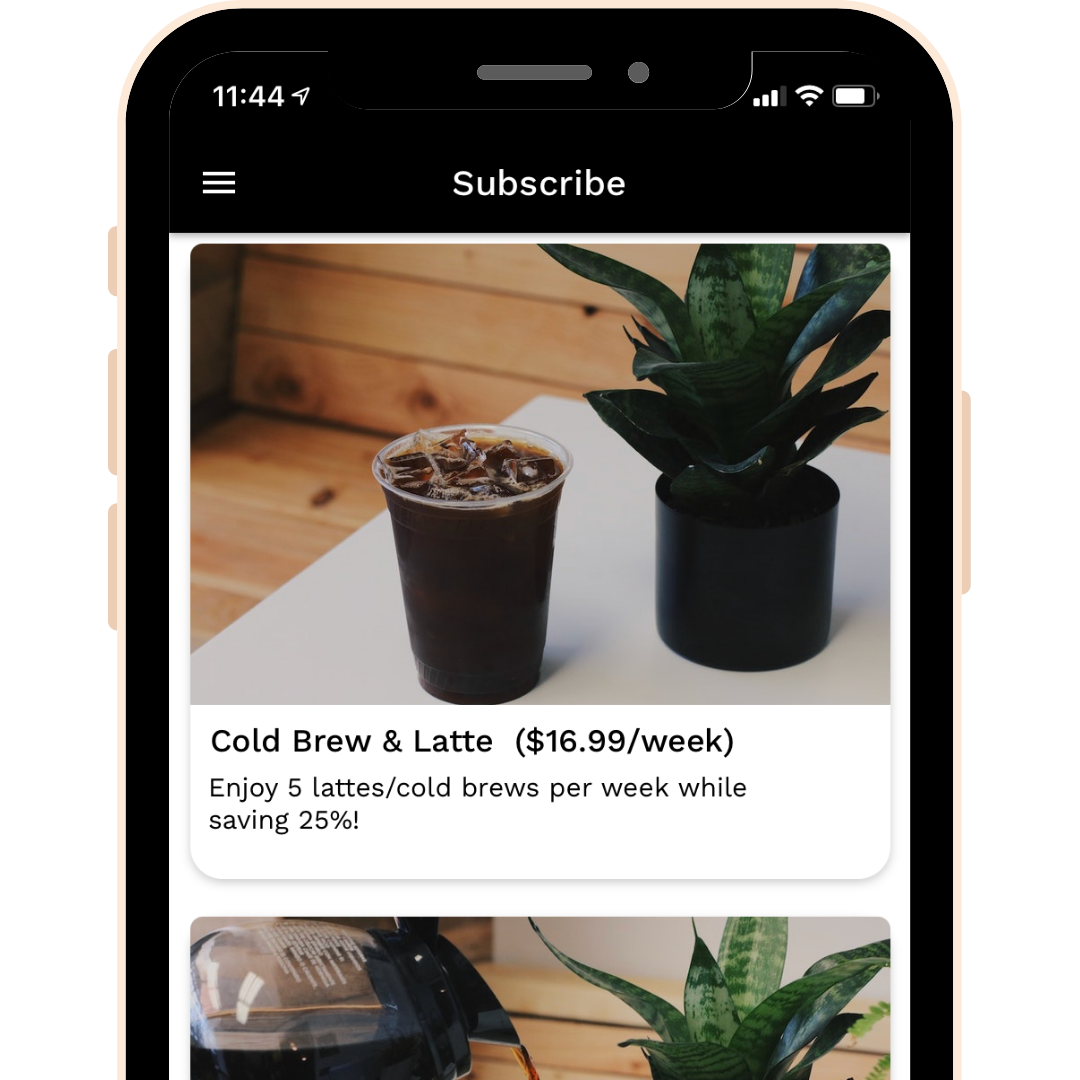
Go to the home screen
On the bottom section, press on the "HOME" ICON". This will bring you to this screen.
Press on any of the pictures or boxes there
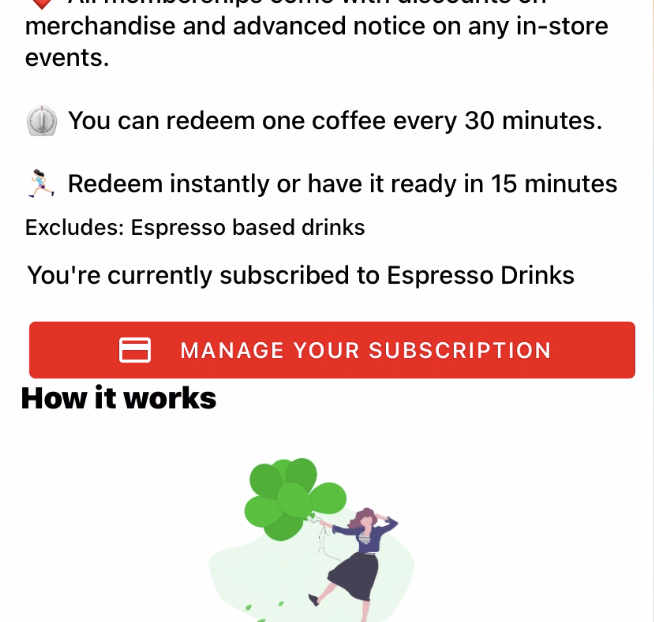
Press on "manage subscription" (red button)
The button is below the description and on top of the illustration